
KEBS ApprovedNew Arrival
-17%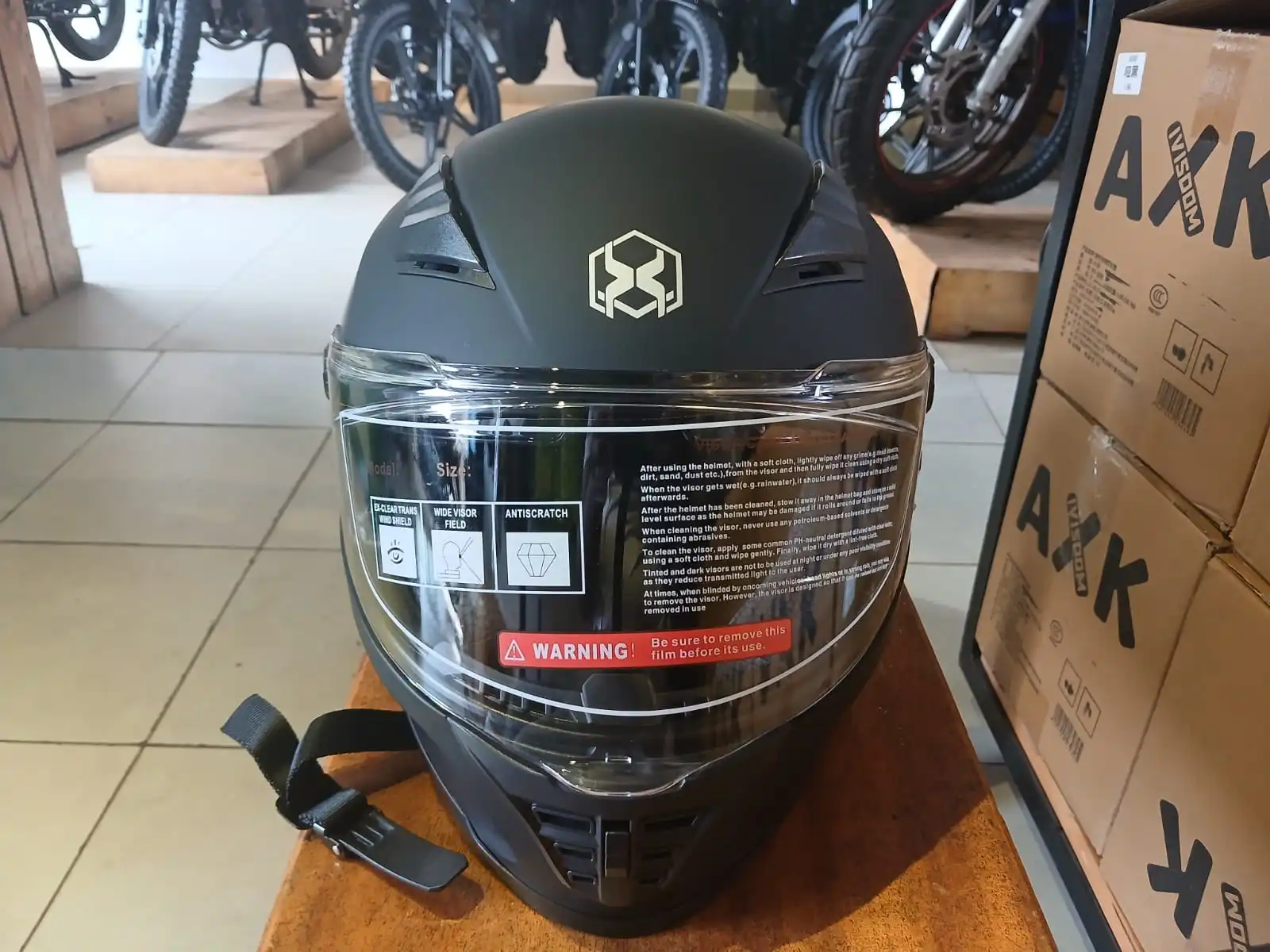
Full Face4.8(56)
Tris Urban Pro Full-Face Helmet – Black
Sleek urban full-face helmet with premium comfort.
sh. 9,999sh. 11,999
Carriers Delivery
Accessories
Tris Helmets Team · 2026-05-20
Complete guide to safely mounting an action camera on your motorcycle helmet.
Sleek urban full-face helmet with premium comfort.
Carriers Delivery
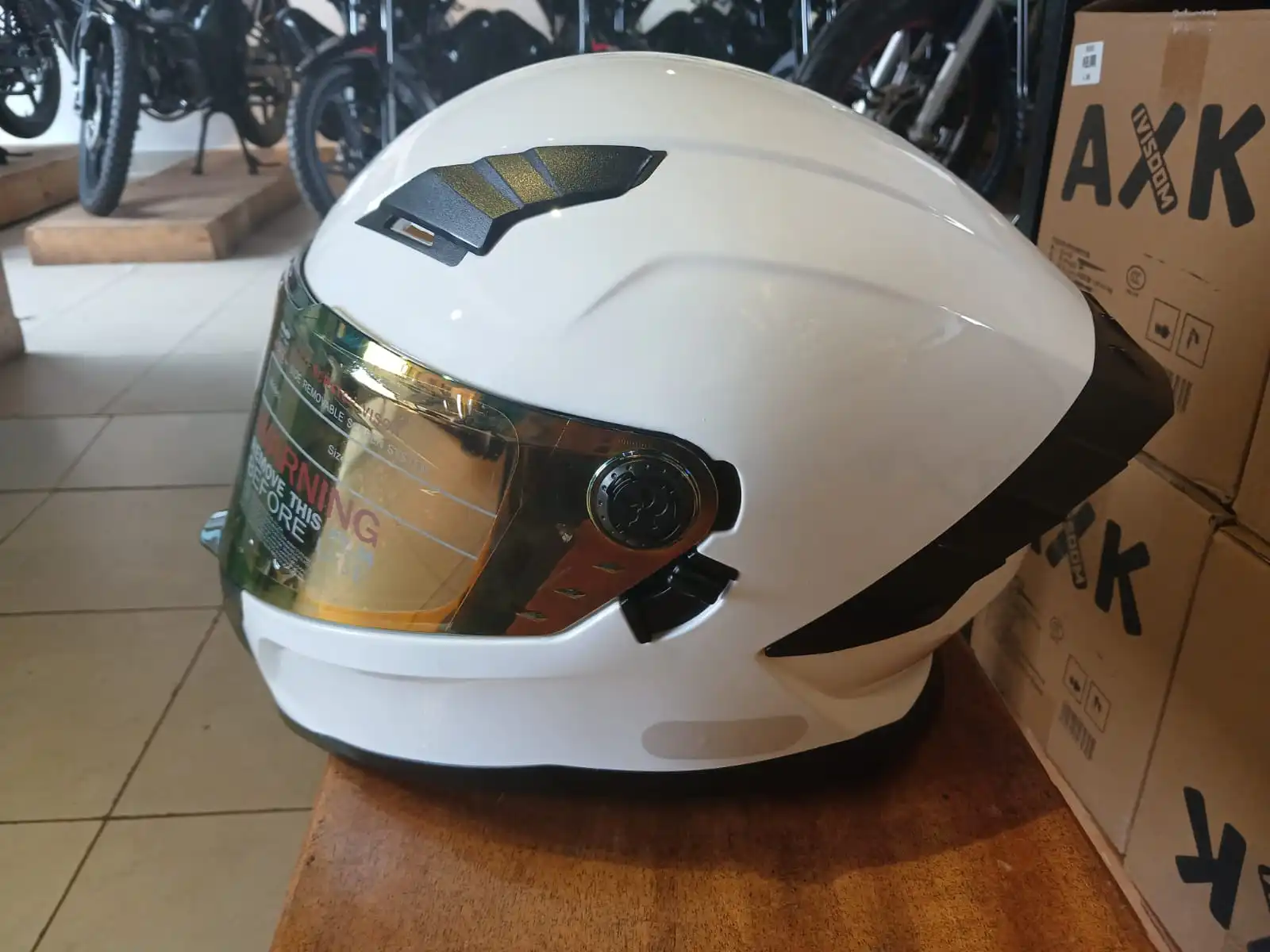
Street-ready protection with refined city styling.
Carriers Delivery
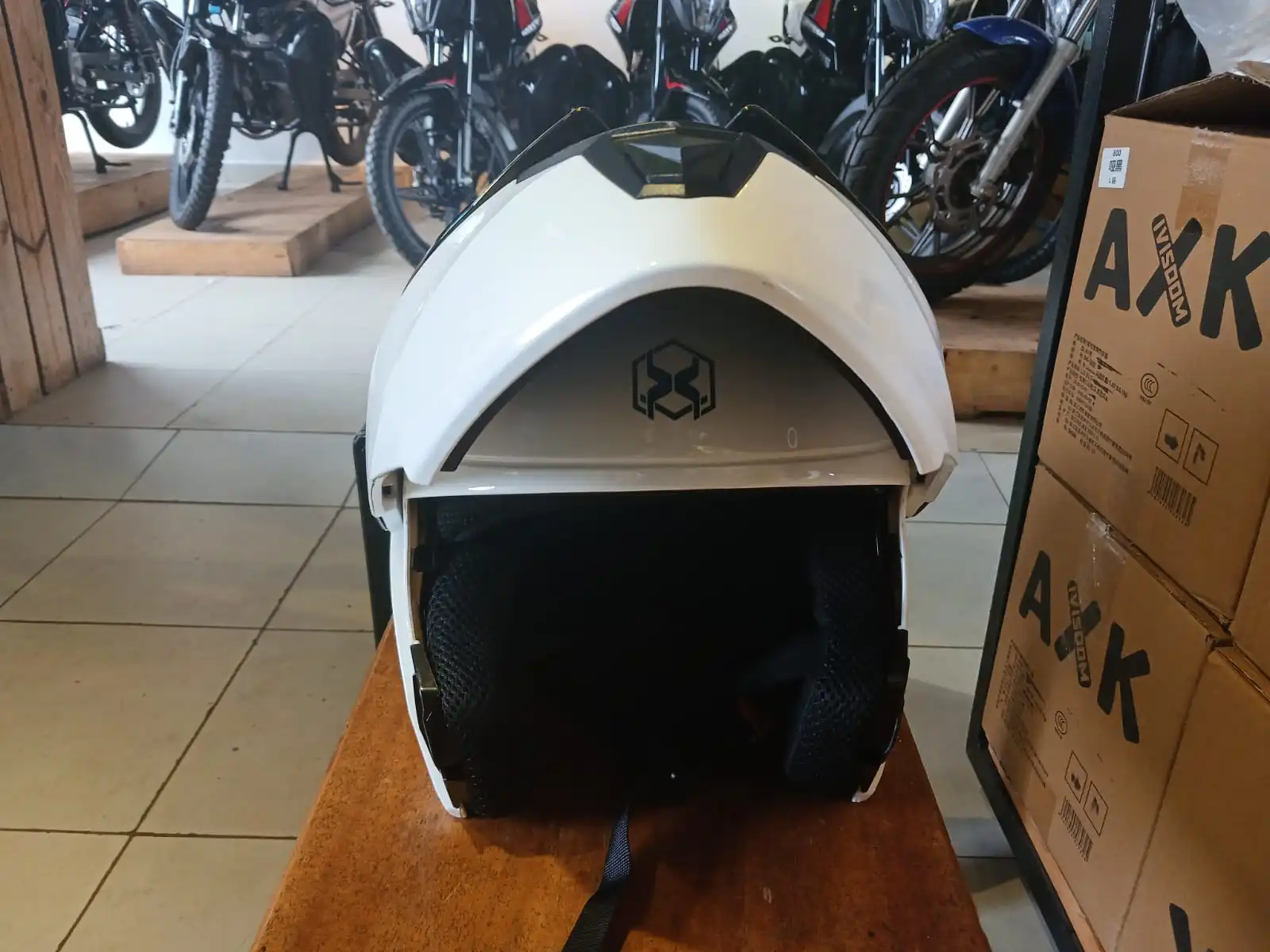
Urban performance helmet with bold street presence.
Carriers Delivery
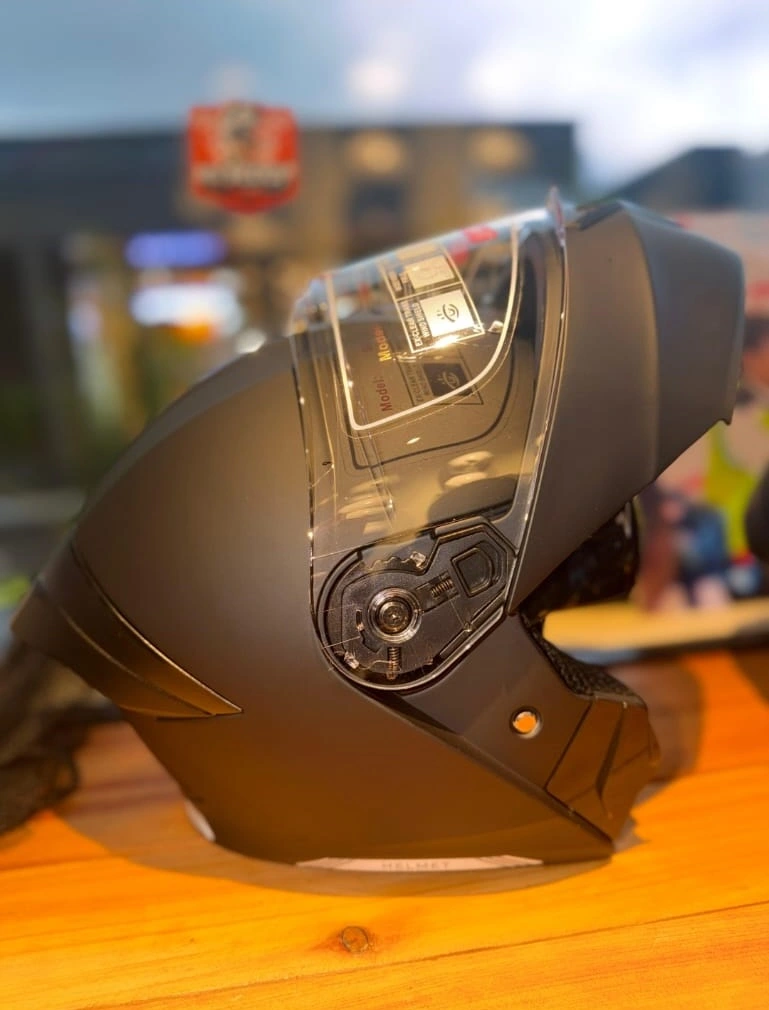
Open-face comfort with urban visibility and safety.
Carriers Delivery
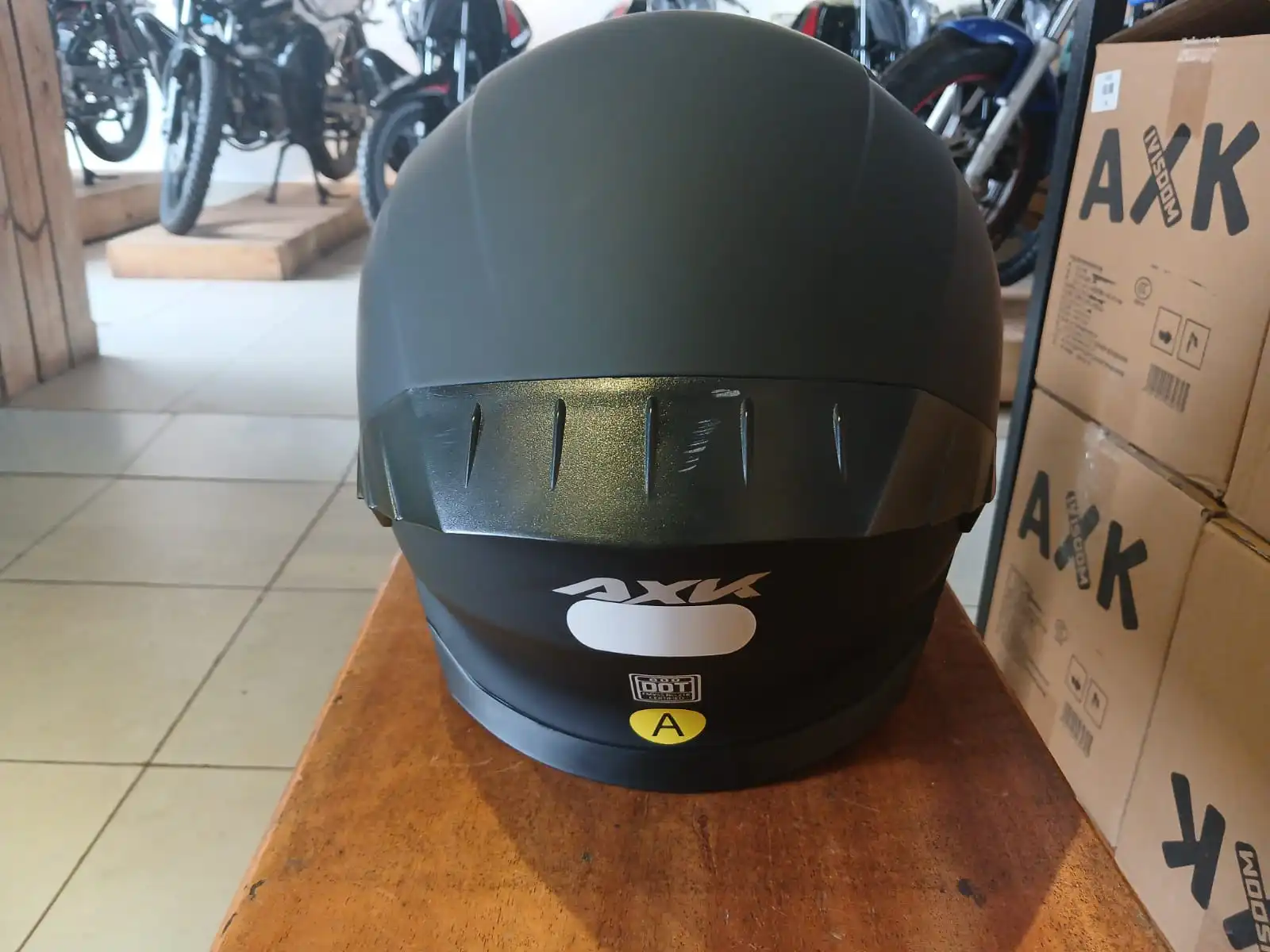
Top-front mount captures road view and helmet perspective.
Side-front mount records forward perspective without top obstruction.
Chin mount captures an overhead-forward angle for dramatic footage.
Back-of-helmet mount records following vehicles and road behind.
Clean the helmet surface with soap and water, then dry completely.
Use 3M adhesive pads for permanent mounting on helmets you own.
Position the mount with the camera pointing in your desired direction.
Press firmly for 30 seconds to ensure adhesive secures the mount.
Wait 24 hours before riding for full adhesive strength.
Use rubber dampening pads between the camera and mount.
Secure the camera tightly to minimize wobbling during rides.
Consider gimbal mounts for professional stabilization.
Test camera stability at various speeds before extended recording.
Route cables along the helmet surface using cable clips.
Keep cords secure to prevent them from flapping in wind.
Use helmet vents to hide USB and audio cables.
Secure loose cables with velcro straps to maintain clean appearance.
Quick action
Ready to upgrade your ride? Our team can help you pick the best helmet for your budget and riding style in Kenya.
Chat on WhatsApp Chat with us